


Download imo Lite APK – free messaging app, lightweight chat tool, secure messaging, Android messaging, instant messaging app, video call app, encrypted messaging, low data usage, 2G compatible app
Overview
Key Features & Capabilities
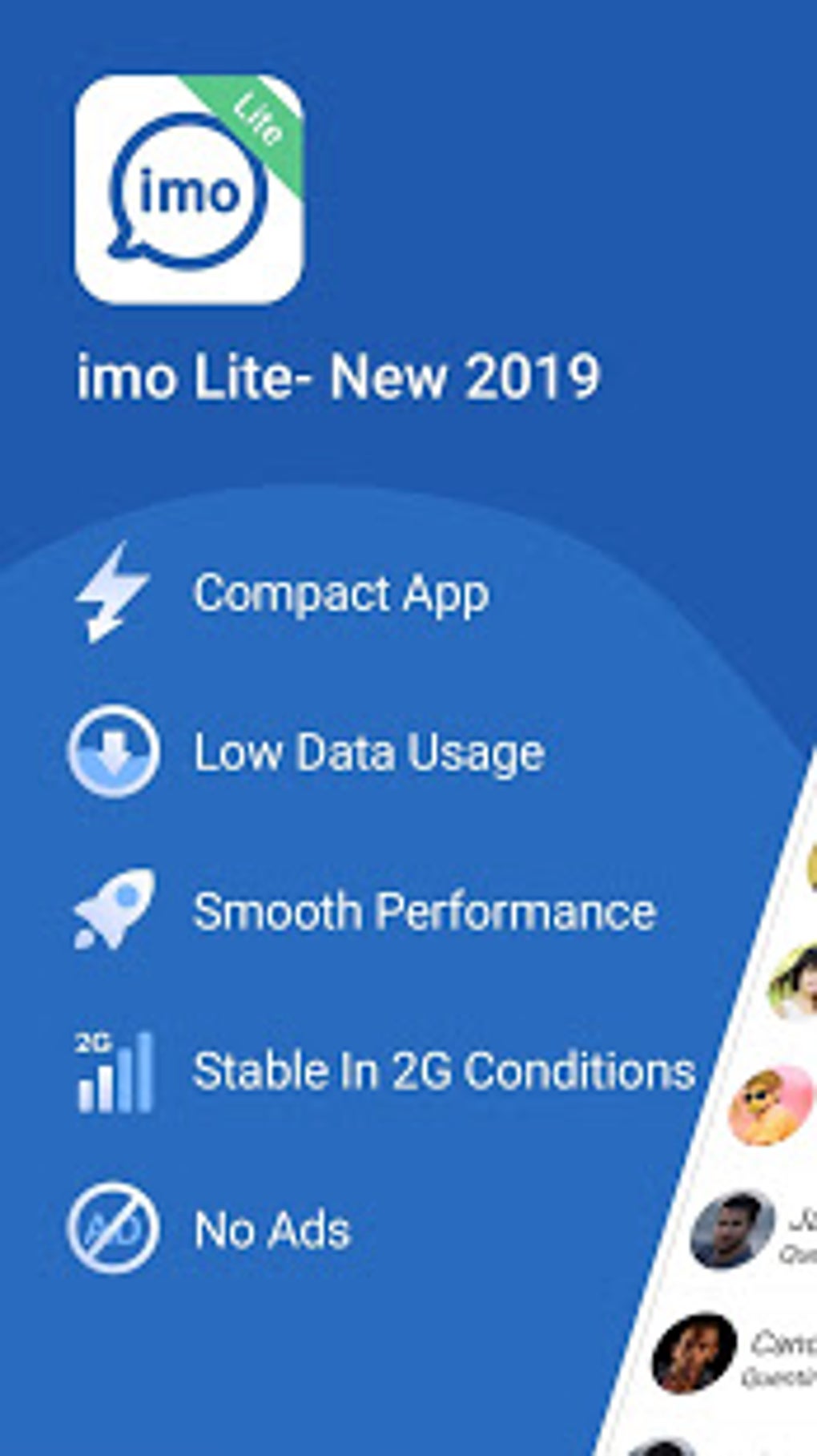
- Lightweight Design – At just 10.3 MB, imo Lite APK uses half the storage of the standard app, making it ideal for low-end Android devices with limited memory.
- Multi-Version Compatibility – Users can communicate seamlessly with contacts using Imo Lite, Imo Beta, or the full version of the app, ensuring broad reach across the Imo network.
- 2G Network Support – Unlike many modern messaging apps, imo Lite operates efficiently on 2G, 3G, 4G, and Wi-Fi, enabling communication in areas with slow or unstable internet.
- Encrypted Messaging & Calls – All messages, voice calls, and file transfers are encrypted, protecting user privacy and ensuring secure communication.
- File Sharing – Supports the transfer of documents (DOCX, PDF, ZIP) and multimedia files with end-to-end encryption, preserving data integrity.
- Imo Story Feature – Allows users to share a slideshow of daily moments with contacts, who can respond with comments or emojis.
- Group Chats & Imo Zones – Offers group conversations with up to 100,000 members and social discovery features through Imo Zones to connect with users sharing similar interests.
- Auto-Contact Sync – Automatically syncs the device’s contact list to identify which numbers are registered on Imo, streamlining connection setup.
- Free International Calling – Enables free voice and video calls to both Imo users and non-Imo users, reducing communication costs.
User Interface, Workflow & Performance
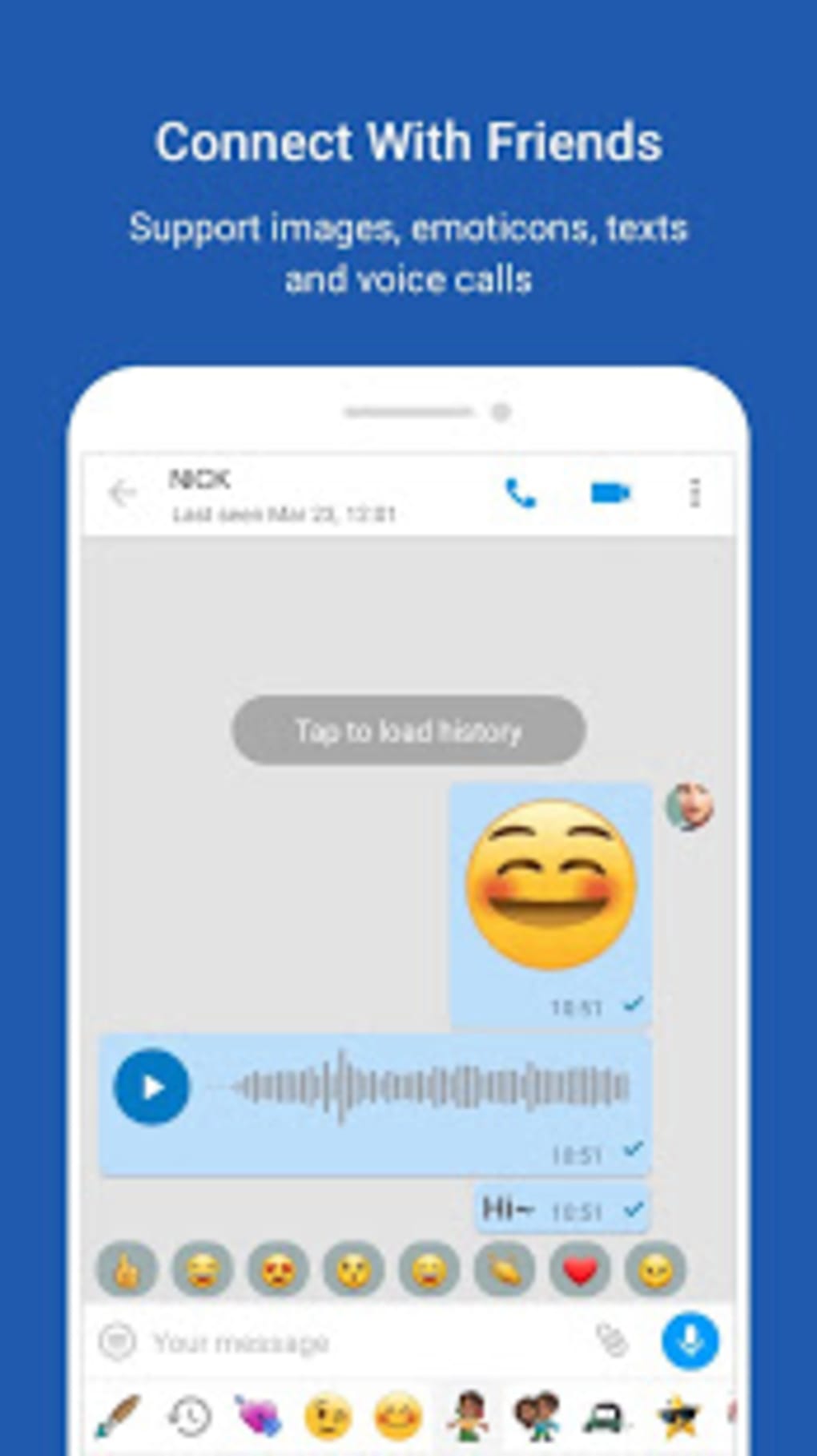
The user interface of imo Lite APK is described as organized yet plain, emphasizing functionality over visual flair. The layout centers around a chat window and a contacts panel, with minimal navigation options. This simplicity reduces cognitive load and accelerates access to core features. The workflow is linear: users open the app, select a contact, and begin messaging or calling. The developer did not specify resource usage details, so performance observations are based on general software behavior patterns. However, the app’s lightweight nature suggests efficient CPU and RAM usage, which is critical for older Android devices. Stability is expected to be high given the focus on minimalism and reduced feature load. No reports of crashes or freezes were provided. The app automatically syncs contacts upon launch, reducing setup time. While the interface lacks extensive customization, this restraint contributes to faster load times and smoother operation. The developer did not provide specific performance benchmarks or data on background behavior. Overall, the app appears optimized for reliability and consistent operation across diverse hardware.Compatibility & System Requirements
imo Lite APK is designed for Android devices and is available in version 3.2.1 with a file size of 10.3 MB. The app is compatible with Android operating systems, though the exact minimum OS version was not specified. The developer did not list detailed hardware requirements such as RAM or processor specifications. Compatibility information was partially provided. Installation is straightforward, requiring only a standard APK file and permission to access contacts and storage. Users should ensure their device allows installation from unknown sources if downloading outside the official store. The app’s lightweight design suggests broad compatibility with older Android versions, but no official confirmation was given. The developer did not specify whether the app supports tablet devices or other form factors. For users seeking a minimal footprint, the app’s small size and low resource demands make it suitable for devices with limited storage and processing power.Pros and Cons
Pros
- Extremely lightweight at just 10.3 MB, ideal for low-end Android devices.
- Operates efficiently on 2G, 3G, 4G, and Wi-Fi networks.
- End-to-end encryption for messages, calls, and file transfers.
- Supports free international calling and group video calls.
- Auto-syncs phone contacts to identify Imo users.
- Functions as both a messaging app and SMS sender/receiver.
- Offers social features like Imo Story and Imo Zones.
- Free to download and use with no in-app purchases.
Cons
- Limited customization options in the user interface.
- Minimal visual design and fewer advanced features compared to competitors.
- Exact system requirements were not listed.
- Lacks support for user-generated stickers and advanced media editing.
- Interface may feel restrictive for experienced messaging app users.





.png)

